
DOWNTOWN DISK RECOVERY
[Free Photo Recovery for Mac]
Get photos back from a card or drive that let you down. Made by a photographer who’s been there.
Photos, RAW and video, plus 480+ other file types
Works after deleting or formatting
The card is only read, never changed
Runs entirely on your Mac
Free · v2.0 · macOS 11 or later · Apple Silicon & Intel · 12 MB
INSTALL
Two minutes, three steps.
STEP 1Download
Open the file and drag the app into Applications.
STEP 2Allow it
In System Settings › Privacy & Security, click Open Anyway, then switch on Full Disk Access for Downtown.
STEP 3Recover
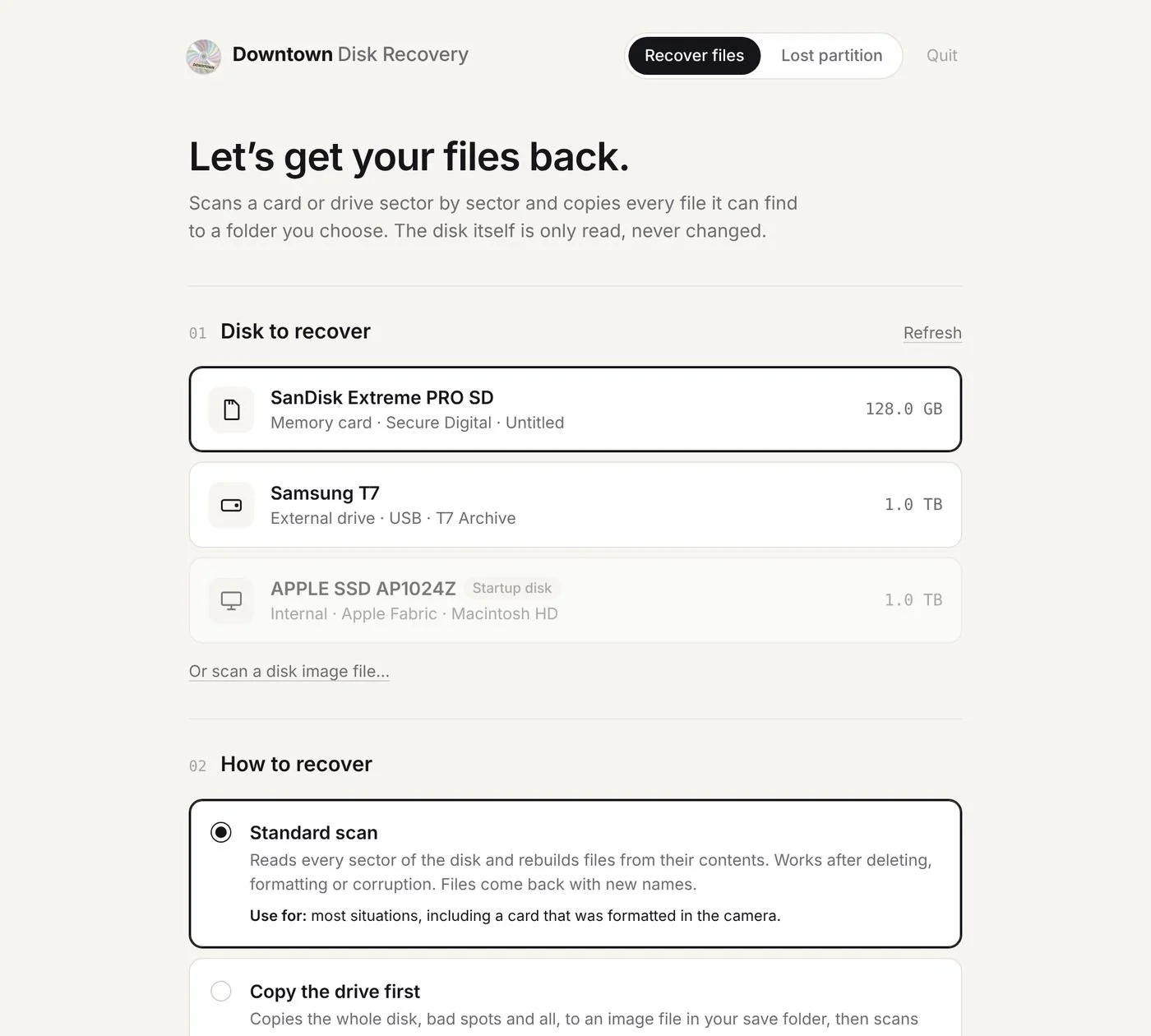
Plug in the card, choose what to look for, pick a folder on another drive, and start.
-
Yes. No account, no trial, no upsell.
-
No. It runs entirely on your Mac. The only thing it ever fetches is a tiny version number from this page, to tell you about updates.
-
Often most of it, but no tool can promise everything. Photos that have been written over are gone. The sooner you stop using the card, the better your chances.
-
Photos (JPEG, HEIC, PNG), RAW from Canon, Nikon, Sony, Fujifilm and more, video, plus 480+ other file types. Recovered files are sorted into Photos, RAW and Video folders.
-
Apple shows it for apps that aren’t distributed through a paid developer account. It’s a one-time step.
-
Switch on Full Disk Access for Downtown Disk Recovery in System Settings › Privacy & Security, then quit the app and open it again.
WHY I BUILT IT
[A note from Deniz]
A card read error once cost me photos from a client shoot. The tools that could have saved them only ran in a terminal or were extremely expensive.
So I built the one I wish I’d had. I started from a free tool by developer Christophe Grenier and, with the help of Claude Code, gave it new features and a front end that makes it much sexier to use.
Pick the card, choose what you’re looking for, and let it work. Now I want to share it with you.
Deniz Demir, photographer
Downtown Disk Recovery is free. Includes open-source software (GNU GPL). Provided as is; always keep backups.